0xFun CTF – MazeRunna
Sounds simple, right? Just complete the maze... but this isn’t just any ordinary Roblox game. Something feels off.

MazeRunna Misc Write-up
Category: Misc
Prompt:Sounds simple, right? Just complete the maze... but this isn’t just any ordinary Roblox game. Something feels off.
Artifact: ⬇️ chall.rbxl
Flag format:0xfun{...}
Intro
At first glance this looks like a simple Roblox maze game, but the “something feels off” hint suggests the flag isn’t meant to be earned by gameplay. The fastest path is to inspect the Roblox place file and its scripts.
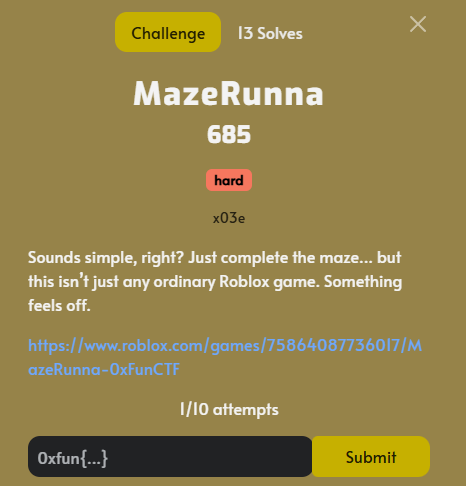
Challenge Description
The challenge links to a Roblox experience, and Roblox experiences are backed by a place that can be opened in Roblox Studio. Once you can inspect the place content (Explorer / scripts), you can usually spot hardcoded strings, remote events, or decoy values.
Steps
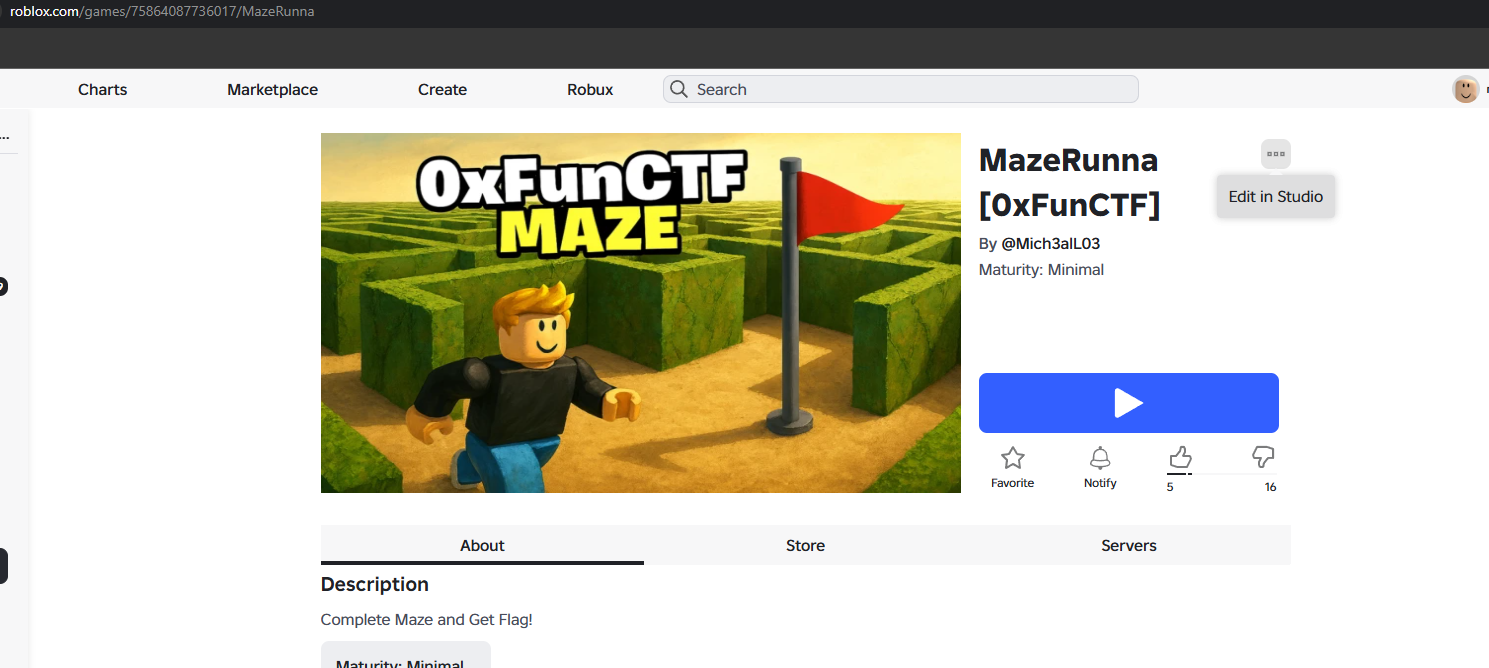
1) Open the experience in Studio
Go to the game page and use Edit in Studio:
- https://www.roblox.com/games/75864087736017/MazeRunna
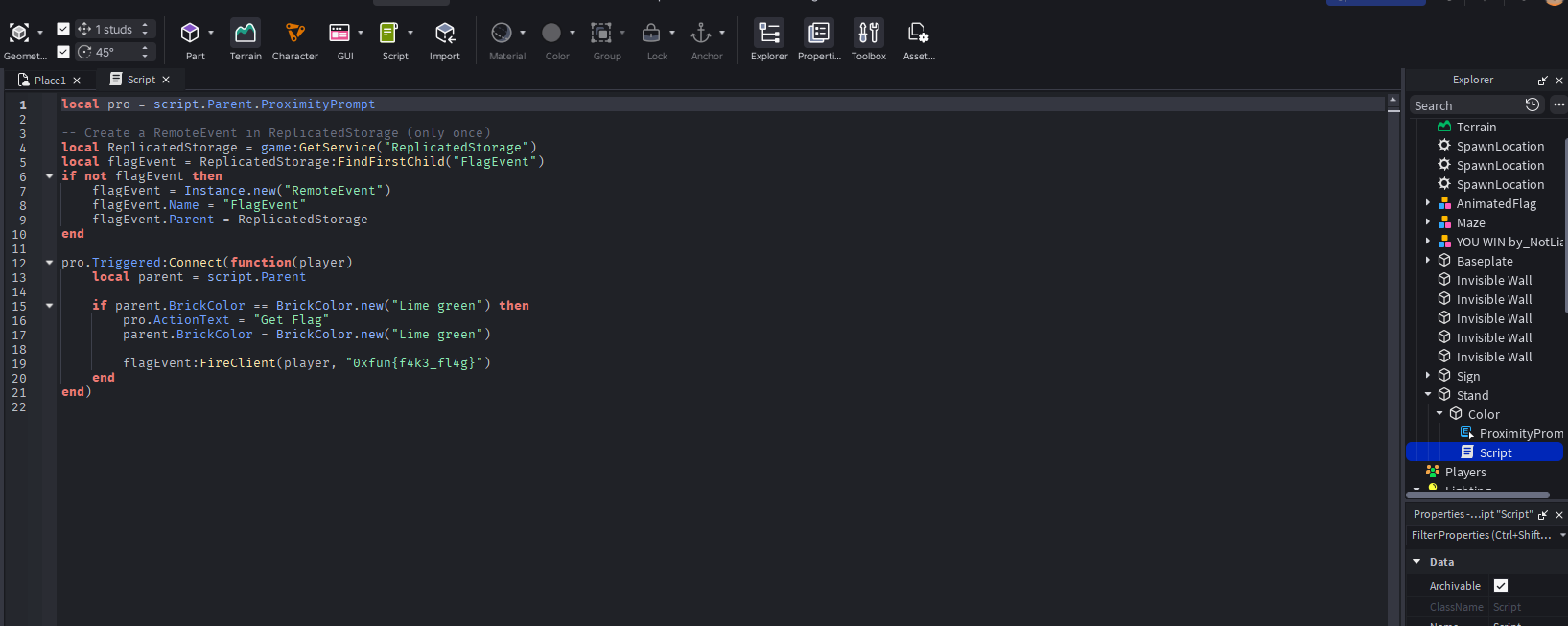
2) Find the decoy flag
In Roblox Studio, browse the Explorer and locate the script attached to the flag prompt. The first place version contains a fake flag in the script.
3) Pull another place version from Asset Delivery
Since the visible place had a fake flag, the next move is to download another version of the same asset using Roblox Asset Delivery:
- https://assetdelivery.roblox.com/v1/asset/?id=75864087736017&version=2
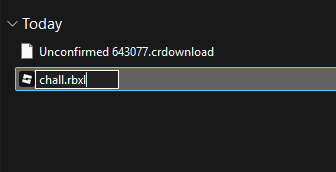
After downloading, you’ll get a file with an unhelpful name.
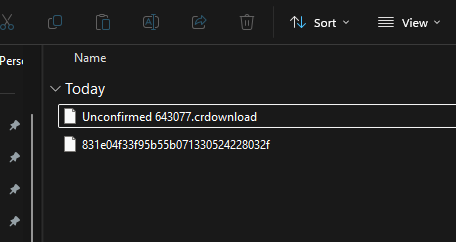
4) Rename to a proper Roblox place file
Rename the downloaded file to:
chall.rbxl
5) Open the new file and re-check the same script path
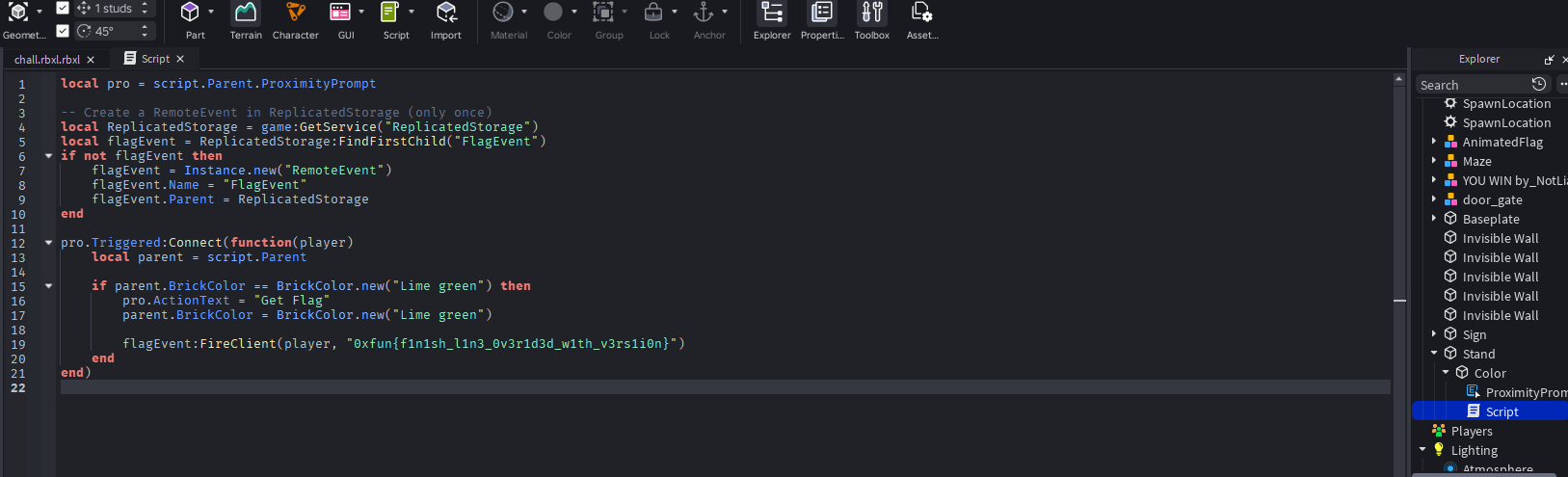
Open chall.rbxl in Roblox Studio, navigate to the same script location, and the real flag is hardcoded there.
Output
1
0xfun{f1n1sh_l1n3_0v3r1d3d_w1th_v3rs1i0n}